Calendar integration
Calendars supply the availability information On-Call Optimizer uses for each member.
On-Call Optimizer relies on external calendars to provide availability information for each member of an on-call schedule.
You manage your calendar connections on the Calendars page. To open it, click your avatar at the top right of the application and choose Calendars from the account menu.
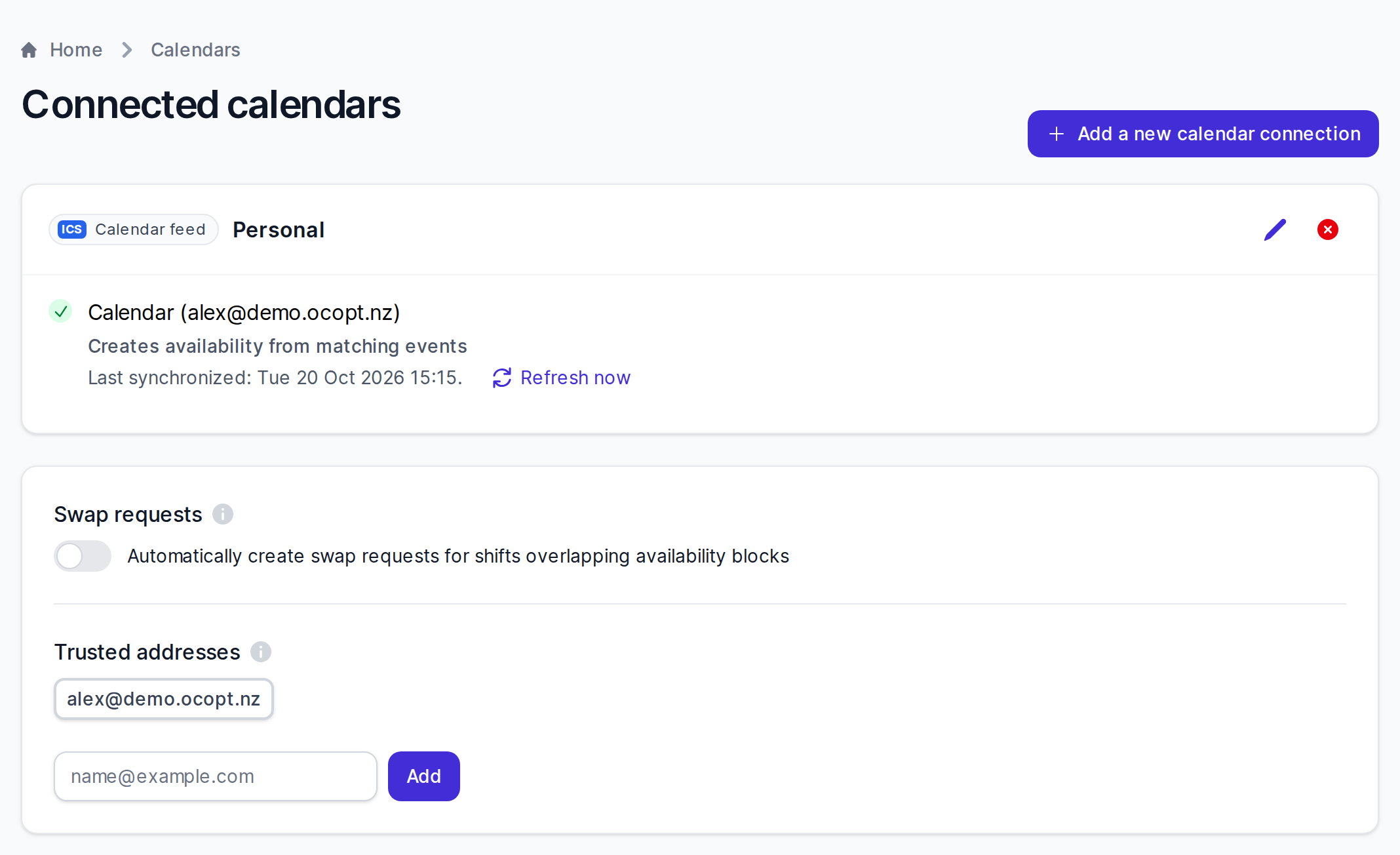
The Calendars page shows:
- A card for each connected calendar product, with the status of each calendar used for availability.
- The Swap requests setting, which controls whether swap requests are created automatically when a shift overlaps with your blocked availability.
- Your trusted addresses.
To see the availability that On-Call Optimizer has imported, see Viewing your availability.
- Connect a calendar product Establishing a connection between On-Call Optimizer and a calendar product.
- Configuration Choose which calendars availability information should be created from.
- Availability information How calendar events become blocks and preferences for assigning shifts.
- Event filtering On-Call Optimizer collects as little calendar data as possible.
- Supported calendars Understand which calendar products are supported by On-Call Optimizer and how to use them.
Last updated October 22, 2026